Let Claude Find Jobs and Tailor Your CV Every Day
At a glance
Paste one prompt in Claude and every day at 12 it scores new jobs from your alerts against your CV, with a cover letter and tailored CV for each.
- Category
- AI agents
- Prompts
- 1 ready to paste
- Level
- Expert
- People built it
- 174
- Can you make money?
- ✓ Yes, steps inside
- Resume points
- ✓ 3 ready to copy
- Tool setup
- ✓ 4 tools, step by step
- FAQs
- ✓ 6 answered
Full video guide
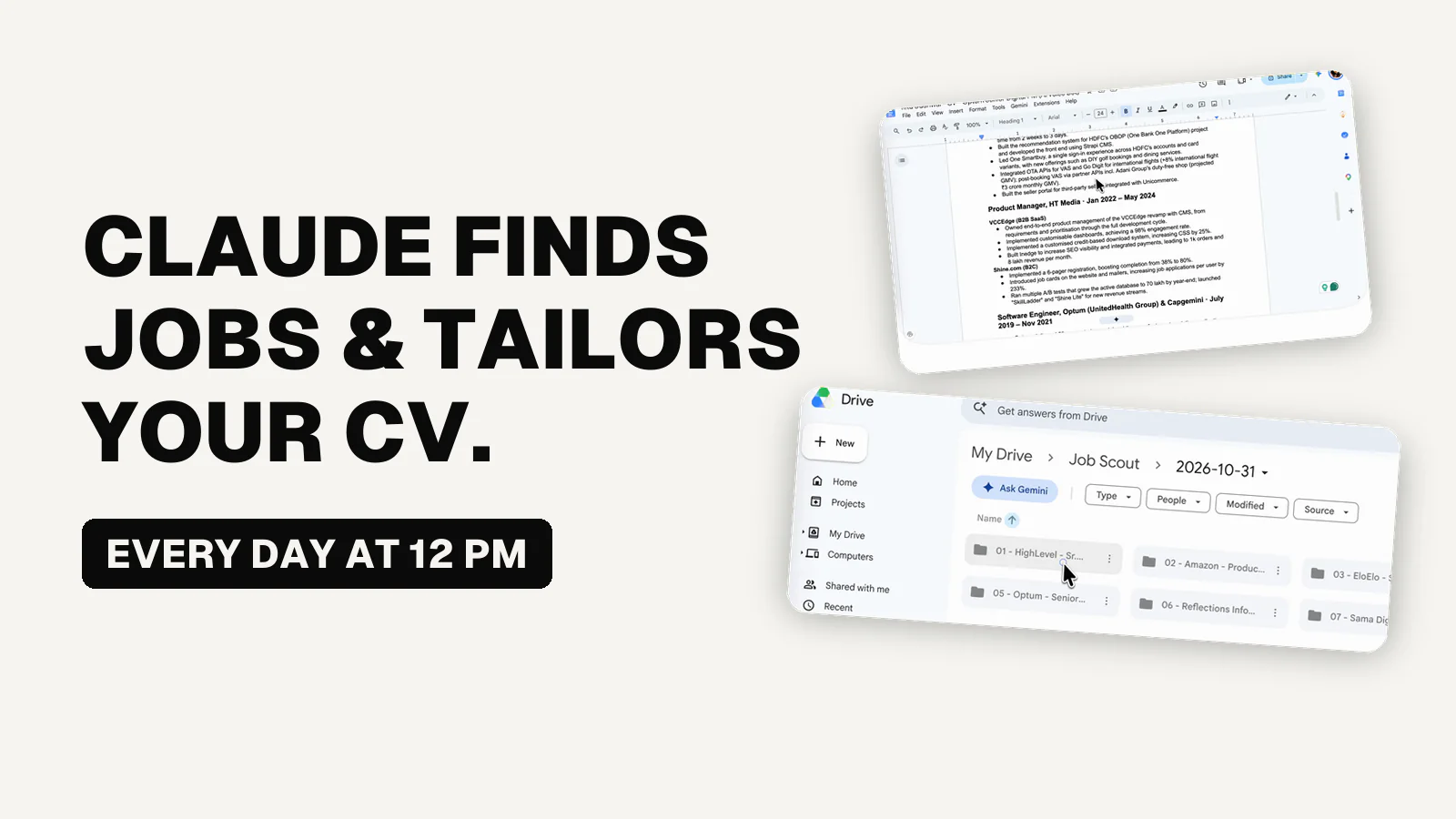
Tool setup
4 tools to set up before you start. Open each one, follow the steps, then come back to the guide.
1Claude3 steps
Why you need it: Claude is the AI you chat with: it writes, plans and answers using the prompts in this project.
Get it: claude.ai
- Go to claude.ai Open it in your browser, or download the Claude app from claude.com/download.
- Sign up Continue with Google or your email and verify the code Claude sends.
- Pick a plan The free plan works for trying it. Pro gives you much more usage.
2Gmail
Why you need it: Your job alerts arrive in Gmail; the Gmail connector lets Claude read them every day.
Get it: claude.ai/settings/connectors
3Google Drive, Sheets and Docs
Why you need it: Connectors let Claude read your Gmail, Calendar, Drive or Sheets, so it can use your real data in the project.
Get it: claude.ai/settings/connectors
4LinkedIn, Naukri, iimjobs, Instahyre
Why you need it: Job alerts from these sites are what Claude reads and scores against your CV every day.
Get it: www.linkedin.com/jobs
3 of 4 tools are locked. Unlock the project to see every setup step.
Full guide
Opening the guide…
Resume pointers for your CV
Built a daily job scout with Claude that scores new jobs from my LinkedIn, Naukri, iimjobs and Instahyre alerts against my CV.
Make money with it
3 ways to earn from what you build, with the prices to start at.
- 1Land interviews faster
Every application goes out with a resume that matches the job, so it gets past the applicant tracking system more often.
- 2Run it for friends or juniors
- 3Offer it as a placement service
FAQ
No. Scheduled tasks that only use connectors like Gmail and Google Drive run on Claude’s side, so they run even when your laptop is closed or the app is shut.