Edit Instagram Reels With Claude: No Video Editor Needed
At a glance
Edit a talking-head reel by talking to Claude Code: 28 free skills cut, caption and add motion, b-roll and sound, then open it in HyperFrames, Remotion or Palmier.
- Category
- Video editing
- Prompts
- 2 ready to paste
- Level
- Expert
- People built it
- 536
- Can you make money?
- ✓ Yes, steps inside
- Resume points
- ✓ 3 ready to copy
- Tool setup
- ✓ 6 tools, step by step
- FAQs
- ✓ 12 answered
Full video guide

Tool setup
6 tools to set up before you start. Open each one, follow the steps, then come back to the guide.
1Claude Code4 steps
Why you need it: Claude Code is the part of Claude that can create files and run programs on your computer, so it builds the project for you instead of only describing it.
Get it: claude.com/download
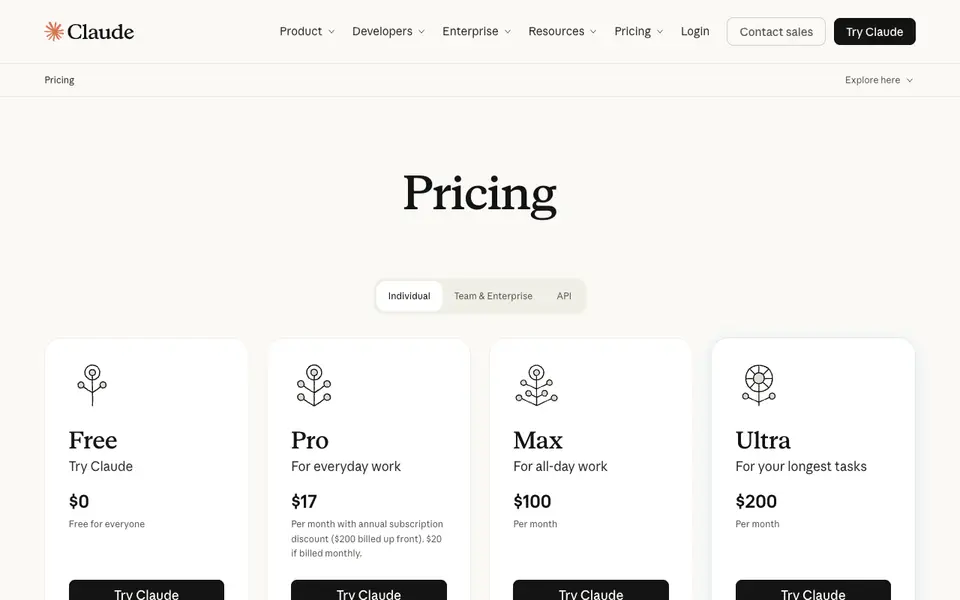
- Get a paid Claude plan Claude Code needs Pro or higher. Go to claude.com/pricing and choose Pro. The Free plan does not include it.
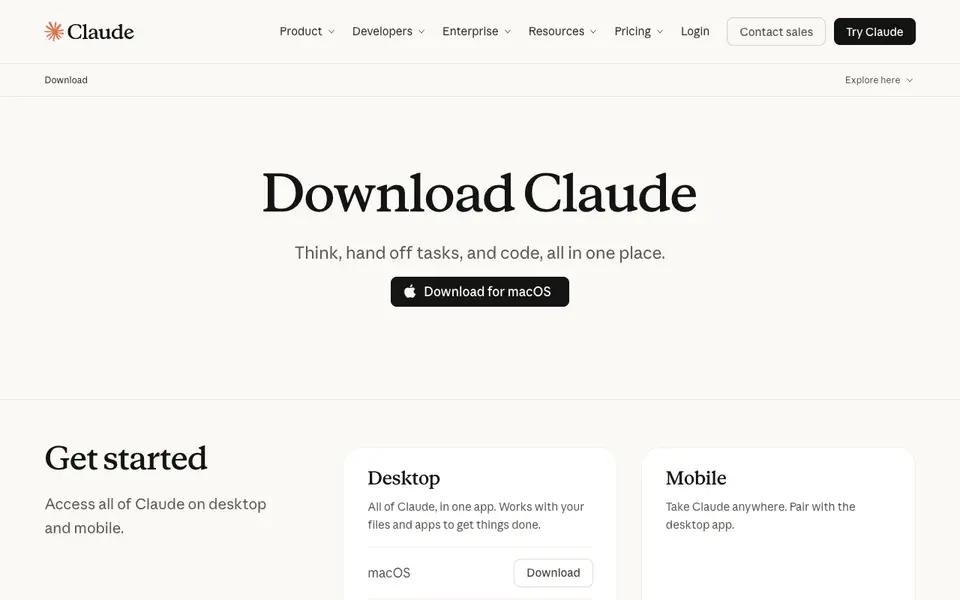
- Download the Claude desktop app Go to claude.com/download, pick macOS or Windows, install it like any app (on a Mac, drag it into Applications) and sign in.
- Open the Code tab Click Code at the top. Under the message box, set where Claude works to This computer and choose a folder for the project.
- Prefer the terminal? Mac/Linux:
curl -fsSL https://claude.ai/install.sh | bash· Windows PowerShell:irm https://claude.ai/install.ps1 | iex· then typeclaudeand sign in.
2HyperFrames
Why you need it: HyperFrames turns the web page Claude builds into a real MP4 video, and gives you a timeline to edit it.
Get it: github.com/heygen-com/hyperframes
3Remotion
Why you need it: Remotion builds videos with code and gives you a Studio to preview and edit them.
Get it: www.remotion.dev
4Palmier Pro
Why you need it: Palmier Pro is a video editor you can open the project in to change it by hand.
Get it: github.com/palmier-io/palmier-pro/releases/latest
5ffmpeg
Why you need it: ffmpeg is the free tool that cuts, joins and exports video and audio. Claude runs it for you.
Get it: ffmpeg.org
6WhisperX
Why you need it: WhisperX listens to your video and writes down every word with the exact time it is spoken, for captions and cuts.
Get it: github.com/m-bain/whisperX
5 of 6 tools are locked. Unlock the project to see every setup step.
Full guide
Opening the guide…
Resume pointers for your CV
Edited talking-head Instagram reels by instructing Claude Code, using 28 free editing skills for cuts, captions, motion, b-roll and sound.
Make money with it
2 ways to earn from what you build, with the prices to start at.
- 1Edit reels for creators
Freelance reel editing in India is quoted at about ₹400–₹1,000 per reel on marketplaces like Freelancer.in, and premium editors ask ₹2,500–₹5,000. With these skills you can deliver the same day instead of the usual 24–48 hours.
- 2A monthly reel-a-day package
FAQ
The 28 skills are free and open source (MIT licence) on GitHub. HyperFrames is free under Apache 2.0, and Remotion is free for individuals and companies of up to three people. What you pay for is Claude Code, which needs a paid Claude plan such as Pro.