Make Money With YouTube Clipping Using a Free Claude Skill
At a glance
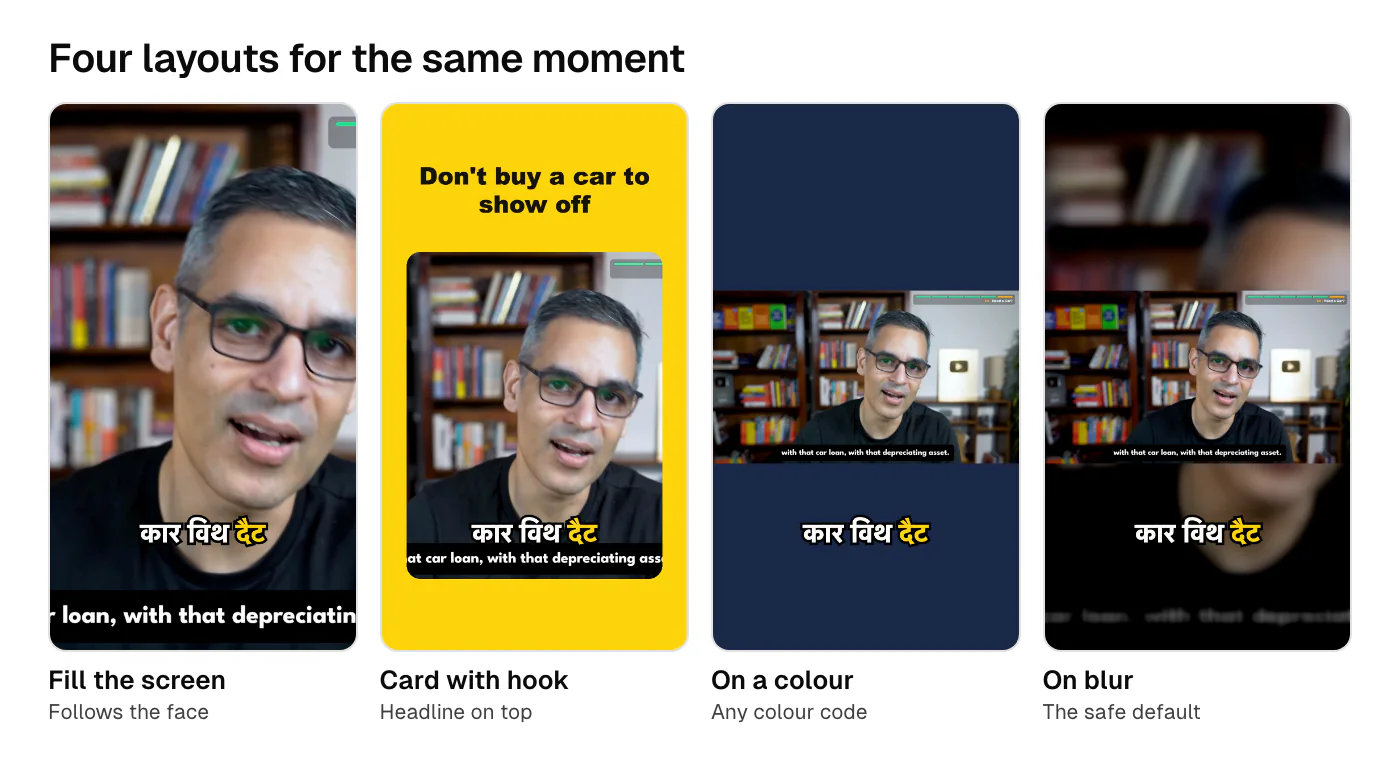
Turn one long podcast into captioned vertical clips with a free Claude skill, learn how it works from the ground up, and see how clippers really get paid.
- Category
- Make money with AI
- Prompts
- 2 ready to paste
- Level
- Expert
- People built it
- 488
- Can you make money?
- ✓ Yes, steps inside
- Resume points
- ✓ 3 ready to copy
- Tool setup
- ✓ 6 tools, step by step
- FAQs
- ✓ 10 answered
Full video guide
Tool setup
6 tools to set up before you start. Open each one, follow the steps, then come back to the guide.
1Claude Code4 steps
Why you need it: Claude Code is the part of Claude that can create files and run programs on your computer, so it builds the project for you instead of only describing it.
Get it: claude.com/download
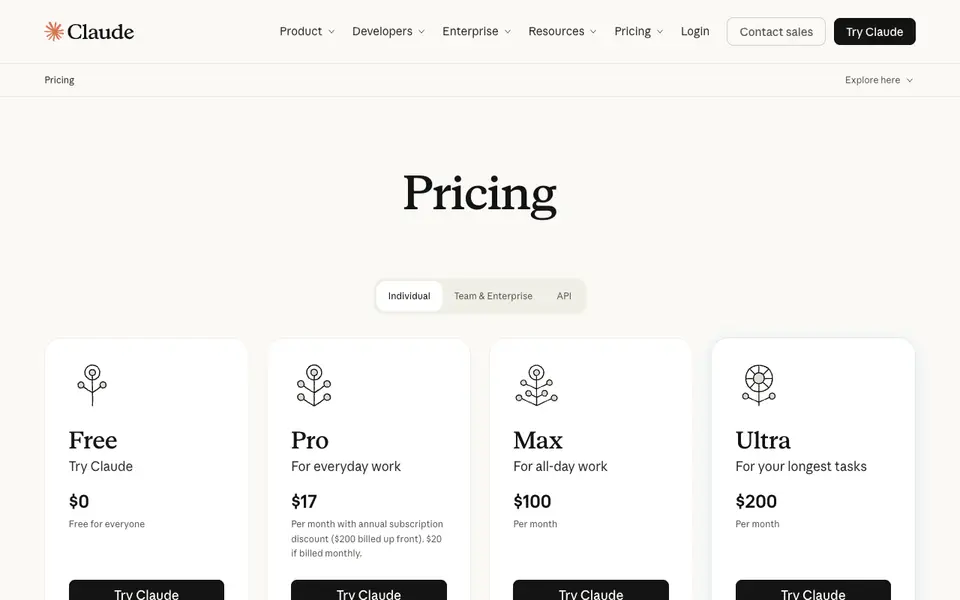
- Get a paid Claude plan Claude Code needs Pro or higher. Go to claude.com/pricing and choose Pro. The Free plan does not include it.
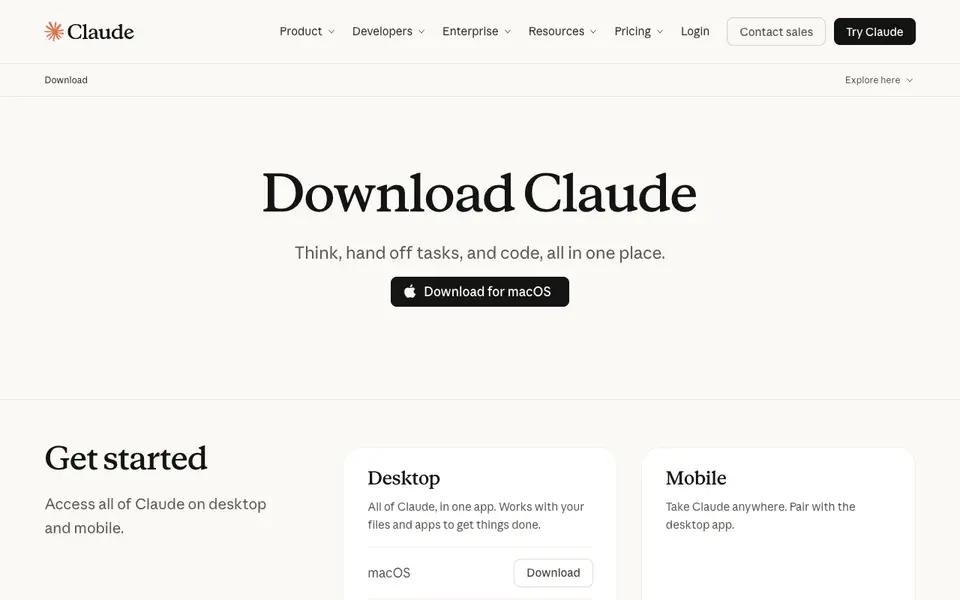
- Download the Claude desktop app Go to claude.com/download, pick macOS or Windows, install it like any app (on a Mac, drag it into Applications) and sign in.
- Open the Code tab Click Code at the top. Under the message box, set where Claude works to This computer and choose a folder for the project.
- Prefer the terminal? Mac/Linux:
curl -fsSL https://claude.ai/install.sh | bash· Windows PowerShell:irm https://claude.ai/install.ps1 | iex· then typeclaudeand sign in.
2GitHub
Why you need it: GitHub stores your code online; Vercel or Netlify read it from there to put your site live.
Get it: github.com/signup
3ffmpeg
Why you need it: ffmpeg is the free tool that cuts, joins and exports video and audio. Claude runs it for you.
Get it: ffmpeg.org
4yt-dlp
Why you need it: yt-dlp downloads the YouTube video so it can be clipped on your computer.
Get it: github.com/yt-dlp/yt-dlp
5Google Chrome
Why you need it: The project runs in Chrome or Edge (and video rendering uses Chrome in the background).
Get it: www.google.com/chrome
6youtube-clipper skill
Why you need it: The skill tells Claude how to find the best moments in a long video and cut them into captioned vertical clips.
Get it: github.com/ritu-dadhwal4/youtube-clipper-skill
5 of 6 tools are locked. Unlock the project to see every setup step.
Full guide
Opening the guide…
Resume pointers for your CV
Turned long podcasts into captioned vertical clips with a free Claude Code skill.
Make money with it
3 ways to earn from what you build, with the prices to start at.
- 1Join a paid clipping programme
Creators and brands pay clippers per 1,000 approved views. Rates are set per campaign (published figures run from about $0.50 to $5 per 1,000), joining is free, and the creator has agreed to be clipped.
- 2Clip for a creator who wants more reach
- 3Clip your own long videos
FAQ
No. Claude reads a transcript: the words of the video with a time beside each line. It cannot see faces, slides or gestures. A separate program turns the sound into words first, and other programs cut and frame the clips afterwards, which is why you should watch each clip before posting.