Make Your Vibe-Coded Website Look Premium With a Free Claude Skill
At a glance
Install the free MotionSites Web Builder skill in Claude, build a cinematic landing page from one prompt, and publish it free with a live link.
- Category
- Website
- Prompts
- 2 ready to paste
- Level
- Expert
- People built it
- 228
- Can you make money?
- ✓ Yes, steps inside
- Resume points
- ✓ 3 ready to copy
- Tool setup
- ✓ 4 tools, step by step
- FAQs
- ✓ 6 answered
Full video guide

Tool setup
4 tools to set up before you start. Open each one, follow the steps, then come back to the guide.
1Claude Code4 steps
Why you need it: Claude Code is the part of Claude that can create files and run programs on your computer, so it builds the project for you instead of only describing it.
Get it: claude.com/download
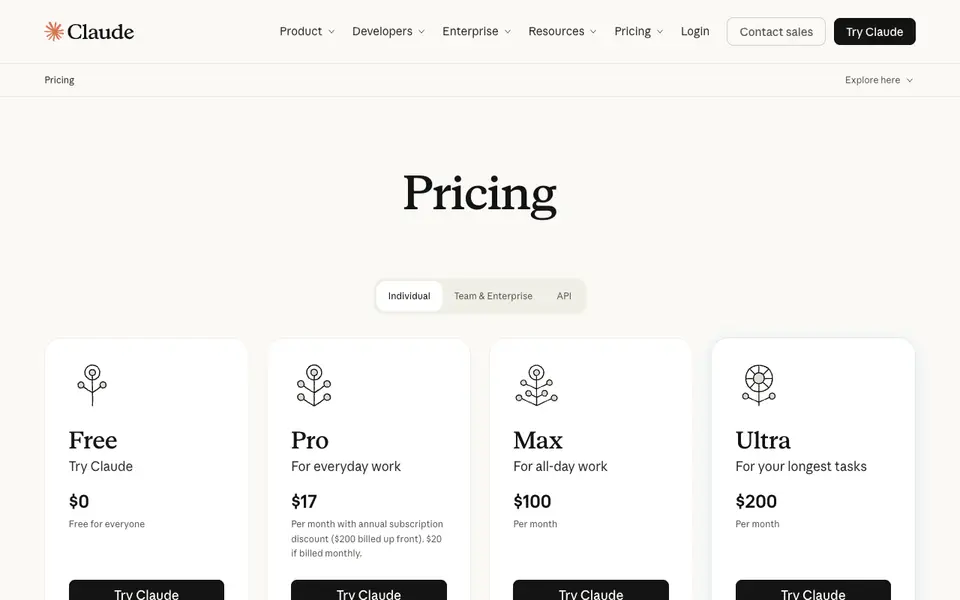
- Get a paid Claude plan Claude Code needs Pro or higher. Go to claude.com/pricing and choose Pro. The Free plan does not include it.
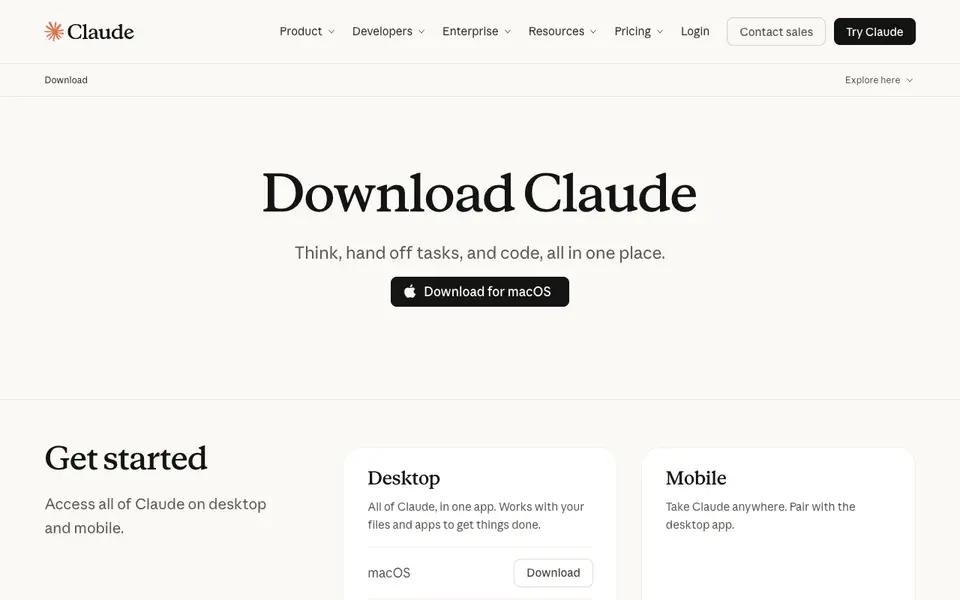
- Download the Claude desktop app Go to claude.com/download, pick macOS or Windows, install it like any app (on a Mac, drag it into Applications) and sign in.
- Open the Code tab Click Code at the top. Under the message box, set where Claude works to This computer and choose a folder for the project.
- Prefer the terminal? Mac/Linux:
curl -fsSL https://claude.ai/install.sh | bash· Windows PowerShell:irm https://claude.ai/install.ps1 | iex· then typeclaudeand sign in.
2MotionSites Web Builder
Why you need it: The skill gives Claude cinematic website designs, so the site it builds looks premium instead of generic.
Get it: github.com/Motionsites-AI/claude-skill
3Playwright
Why you need it: Playwright opens your site in a hidden browser so Claude can take screenshots and check its own work.
Get it: playwright.dev
4Netlify Drop
Why you need it: Netlify Drop gives you a free live link just by dragging your folder onto a page.
Get it: app.netlify.com/drop
3 of 4 tools are locked. Unlock the project to see every setup step.
Full guide
Opening the guide…
Resume pointers for your CV
Built a cinematic landing page from one prompt with the free MotionSites Web Builder skill in Claude Code.
Make money with it
3 ways to earn from what you build, with the prices to start at.
- 1Make your own site look premium
Upgrade a plain vibe-coded portfolio or product page so it stands out to recruiters and customers.
- 2Build landing pages for clients
- 3Write prompts for Lovable, Bolt or v0
FAQ
Yes. MotionSites Web Builder is free and public on GitHub under Motionsites-AI/claude-skill. You need a Claude plan to run it; building on your computer with Claude Code needs a paid plan, starting with Pro at $20 a month. MotionSites sells a paid library called Unlimited, but the skill works without it.