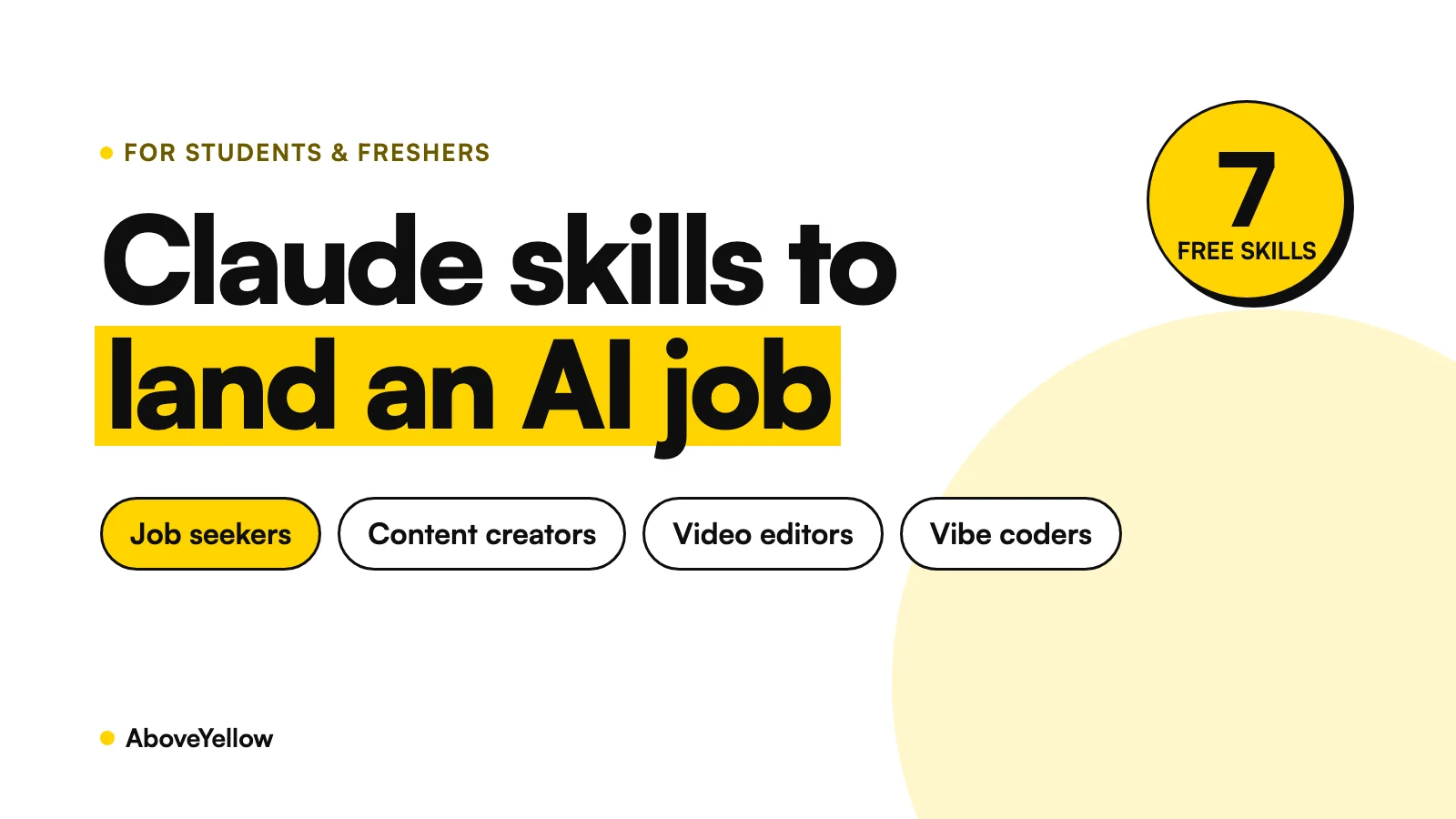
The seven free Claude skills worth installing if you are a student or fresher trying to land an AI job are Tailor Resume for job applications, Instagram Agent, YouTube Agent and YouTube Clipper for content creation, Instagram Video Skills for video editing, and Ponytail with UI UX Pro Max for vibe coding. All seven are open source on GitHub and run inside Claude Code. This guide tells you which ones fit the path you want, what each one really does, and how to install it in a few minutes.
If you have been feeling a little nervous about AI and jobs, you are not alone. Most students I talk to say the same thing: "Everyone says learn AI, but what do I actually do?" My honest answer: stop collecting tutorials and start using AI on real work. A Claude skill is the easiest way to do that, because someone has already written down how to do the job well. You just install it and use it.
You don't need all seven. Find yourself in the table below, start with that skill, and come back for the rest later.
Which Skill Is for You?
| If you are… | Start with | What it does for you |
|---|---|---|
| Applying for jobs | Tailor Resume | Rewrites your resume for each job description, with colour highlights recruiters can skim |
| Growing on Instagram | Instagram Agent | Reel scripts, captions, profile score, comment replies and a weekly plan |
| Running a YouTube channel | YouTube Agent | Scripts, title and thumbnail, edit list, Shorts and retention analysis |
| Turning long videos into shorts | YouTube Clipper | Cuts a long video into vertical clips with captions you can post |
| Wanting to edit videos | Instagram Video Skills | Edits your raw video, and can copy the style of a reference reel |
| Vibe coding | Ponytail | Makes Claude reuse what already exists instead of writing hundreds of lines |
| Vibe coding, and your app looks plain | UI UX Pro Max | Gives Claude a design system: style, colours, fonts and a checklist |
Every chapter of every Premium post, plus every AI project. Included in every plan.
- First, What Is a Claude Skill?
- If You Are Applying for Jobs: Tailor Resume
- If You Want to Be a Content Creator: Three Skills
- If You Want to Be a Video Editor: Instagram Video Skills
- + 2 more chapters
Frequently Asked Questions
Are these Claude skills free?
Yes. All seven are open source on GitHub under the MIT licence. You only need a Claude plan that includes Claude Code, and running a skill uses your normal Claude usage.
Do I need to know how to code to use them?
No. You can paste a skill's GitHub link into Claude Code and ask Claude to install it. Only Ponytail and UI UX Pro Max are made for coding work, and even those are built for people who build by talking to Claude.
Can these skills post to Instagram or YouTube for me?
No. The Instagram and YouTube agent skills write your scripts, captions, titles and replies, and you post them yourself. YouTube Clipper and Instagram Video Skills make the video files, and you upload them.
Do they work on Windows?
The plugin installs (Ponytail, UI UX Pro Max, and the Instagram and YouTube agents) work wherever Claude Code runs. YouTube Clipper and Instagram Video Skills are written for a Mac with Homebrew. YouTube Clipper says to use WSL on Windows.
Which skill should a fresher install first?
Tailor Resume, because it helps with every application you send this week. Then add the skills for the path you want, whether that's content, video editing or vibe coding.
Key Takeaways
A Claude skill is a ready-made set of instructions. Install it once and Claude does that job properly every time.
Job seekers: Tailor Resume. Content creators: Instagram Agent, YouTube Agent and YouTube Clipper. Video editors: Instagram Video Skills. Vibe coders: Ponytail and UI UX Pro Max.
The skills write and edit. You review, post and upload.
What gets you hired is the proof you build with them, so use one on something real this week.
Want a real project to build next?
Step-by-step AI projects you can finish, share and add to your resume.
Access AI projects →