Tool setup
2 tools to set up before you start. Open each one, follow the steps, then come back to the guide.
1Claude Code4 steps
Why you need it: Claude Code is the part of Claude that can create files and run programs on your computer, so it builds the project for you instead of only describing it.
Get it: claude.com/download
- Get a paid Claude plan Claude Code needs Pro or higher. Go to claude.com/pricing and choose Pro. The Free plan does not include it.
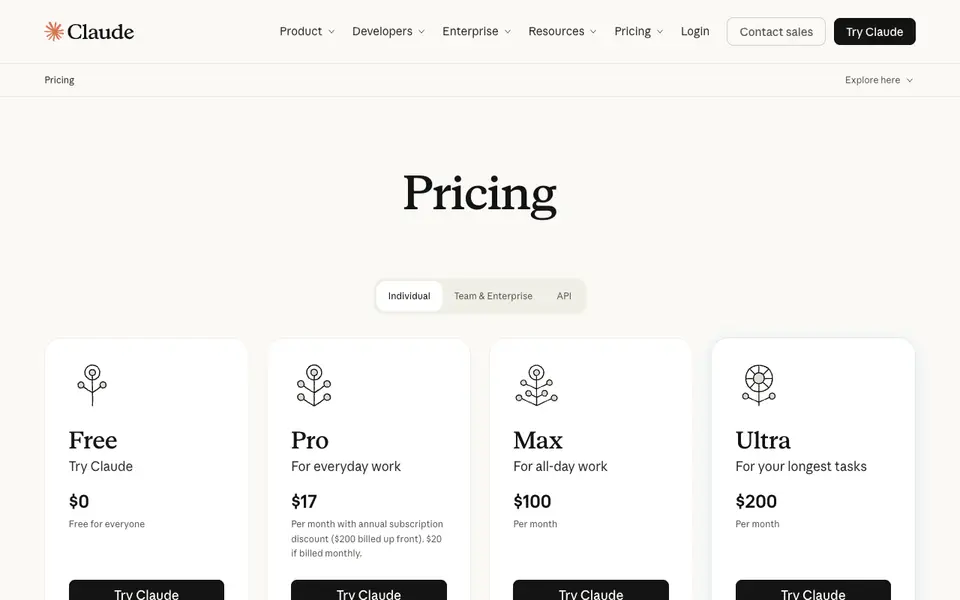
- Download the Claude desktop app Go to claude.com/download, pick macOS or Windows, install it like any app (on a Mac, drag it into Applications) and sign in.
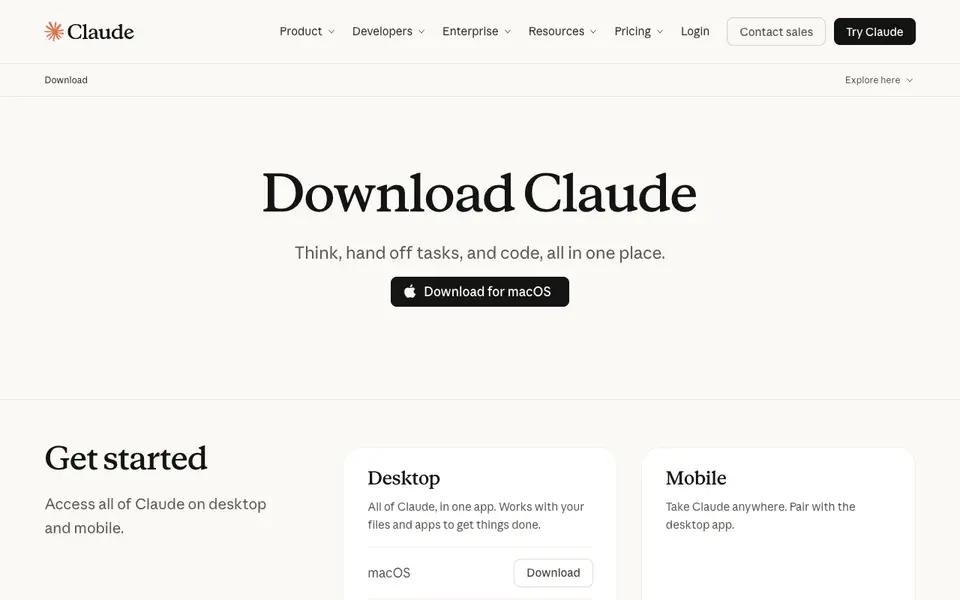
- Open the Code tab Click Code at the top. Under the message box, set where Claude works to This computer and choose a folder for the project.
- Prefer the terminal? Mac/Linux:
curl -fsSL https://claude.ai/install.sh | bash· Windows PowerShell:irm https://claude.ai/install.ps1 | iex· then typeclaudeand sign in.
2YouTube agent skill
Why you need it: The skill gives Claude 11 YouTube jobs: scripts, titles, thumbnails, Shorts, SEO and comments.
Get it: github.com/Jakeschincariol/youtube-agent-skill
1 of 2 tools are locked. Sign in to see every setup step.
You can hand most of the desk work of a YouTube channel to Claude with one free skill pack called the YouTube agent skill. You install it once and get 11 separate skills, each with one job. One writes your script from proven hook formulas, one checks your title and thumbnail together, one turns a raw recording into a list of cuts, one finds the Shorts inside a long video, and one reads your retention data and tells you the second people left.
There is one thing to know before you start. The pack does not log in to your channel and it does not upload for you. Claude does the planning, writing and analysis, and you record and upload. This guide covers what each of the 11 skills does, how to install the pack, and the order to use the skills in for one video.
Free and open source. Open the repository on GitHub →
https://github.com/Jakeschincariol/youtube-agent-skill
What Is the YouTube Agent Skill?
The YouTube agent skill is a set of 11 instruction files for Claude, made by Jake Schincariol and published on GitHub in September 2026 under the MIT licence. Each file teaches Claude one YouTube job and gives it a command, such as /yt-script or /yt-package. It is free, and it needs no signup and no API key.
The repository is github.com/Jakeschincariol/youtube-agent-skill. On 10 October 2026 it had 894 stars and 257 forks.
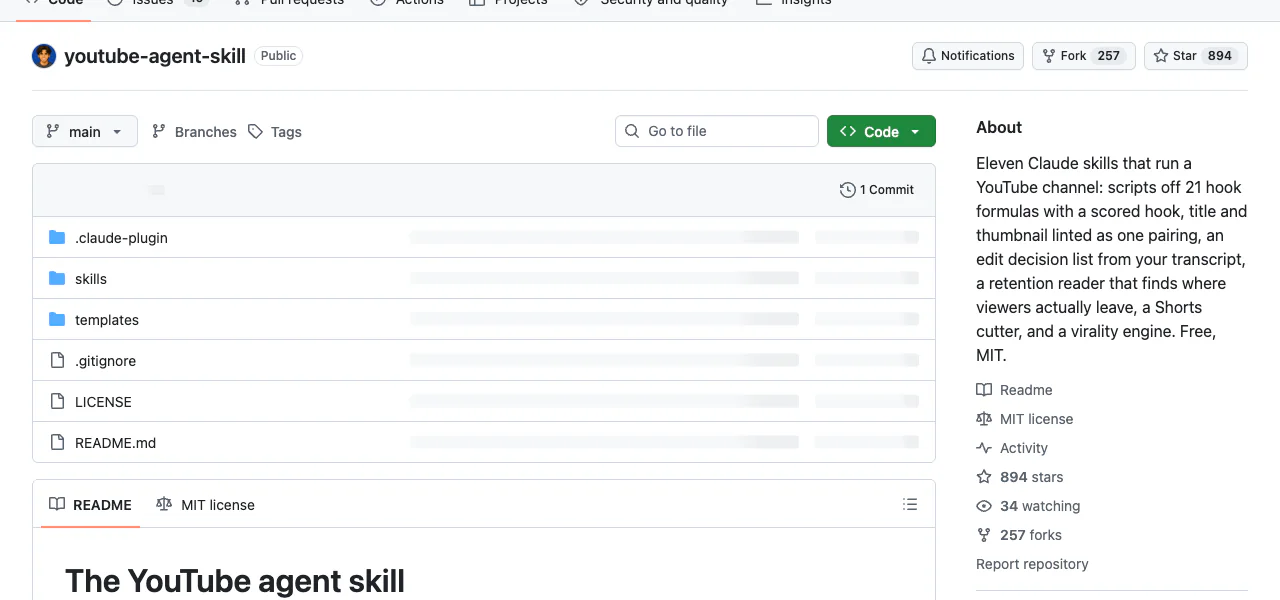
Six of the skills also come with a small Python tool that runs on your own computer. The tools score a hook, check a title, list the cuts in a recording, build chapters, read a retention file and rank videos. The README says each one runs on plain Python 3 with nothing extra to install.
Every chapter of every Premium post, plus every AI project. Included in every plan.
- The 11 Skills and What Each One Does
- The Five Skills You Will Use Most
- How to Add the YouTube Agent Skill to Claude
- How to Use It for One Video, Start to Finish
- + 1 more chapters
Frequently Asked Questions
Is the YouTube agent skill free?
Yes. It is open source under the MIT licence at github.com/Jakeschincariol/youtube-agent-skill, with no signup and no API key. You only use your normal Claude usage when you run a skill.
Can Claude upload videos to YouTube with this skill?
No. The skills write the script, title, description, chapters and replies, and you upload and paste them in yourself. Nothing is published until you do it.
Can this skill fully automate a YouTube channel?
No. It automates the planning, writing and analysis around a video. You still record, edit, make the thumbnail and upload.
Do I need Claude Code to use it?
Claude Code gives you all 11 skills and the six tools. Without it, you can paste a single SKILL.md file into a normal Claude chat and use that one skill, but the Python tools will not run.
Does it need my YouTube password?
No. The skills never ask for a password and never log in for you. For research, Claude reads public channel pages, or you paste the numbers in.
What are the 21 hook formulas?
They are patterns for the first 15 seconds of a video, stored in a file called hooks.json. Each has a shape, an example and a note on when it fails. Examples are The Statistic, The Mistake, Contrarian Flip, The Reveal, I Tried It and Before and After.
How do I get a transcript of my video?
Upload the video to YouTube as unlisted and download the captions YouTube generates, or use a transcription tool such as Whisper. The edit, chapters and Shorts skills all need a transcript with timestamps.
Is there a version for Instagram?
Yes. The same author has an Instagram pack built on the same idea. See Run Your Instagram With One Claude Skill.
Want something to make videos about?
Step-by-step AI projects you can build, record and share on your channel.
Access AI projects →