Tool setup
One tool to set up before you start. Open each one, follow the steps, then come back to the guide.
1Google Flow3 steps
Why you need it: Google Flow turns your images and prompts into video clips. It is free to start with daily credits.
Get it: labs.google/flow
- Go to labs.google/flow Open Google Flow in your browser.
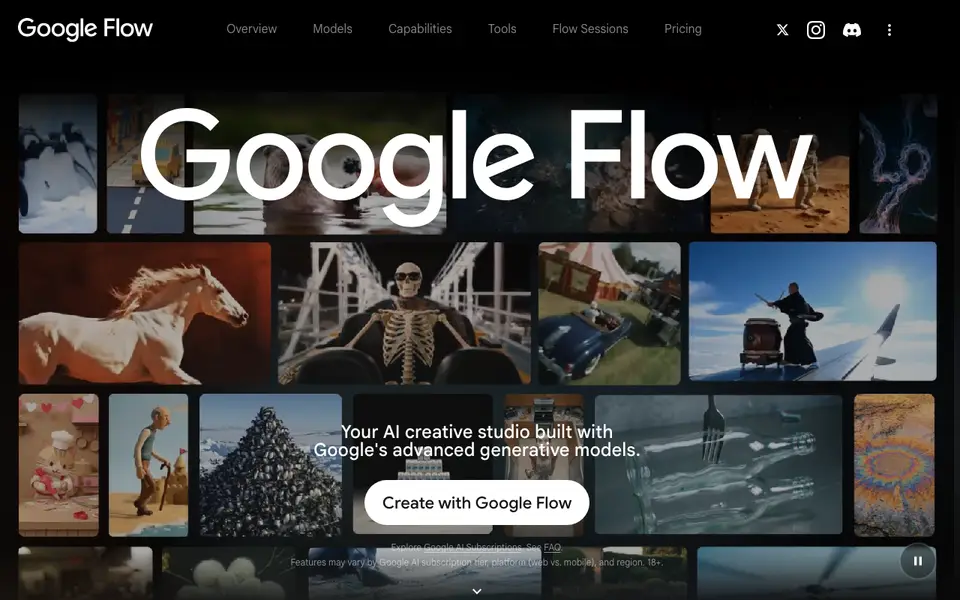
- Sign in with Google Use any Google (Gmail) account. Free users get 50 credits a day, enough for a few short clips.
- Start a new project Click New project, then upload your images and paste the prompt from this project.
- The screenshot
- Your photo
- Your product photo
Input Images
Image 1: Reference viral product advertisement (use for scene composition, camera angles, lighting, background, pacing, and overall style only).
Image 2: My reference photo (use for my identity, facial features, hairstyle, skin tone, expressions, body proportions, and clothing).
Image 3: Product photo (this is the exact product that must appear throughout the video).
===============
Google Flow Prompt
Input Images
Image 1: Reference viral product advertisement (use for scene composition, camera angles, lighting, background, pacing, and overall style only).
Image 2: My reference photo (use for my identity, facial features, hairstyle, skin tone, expressions, body proportions, and clothing).
Image 3: Product photo (this is the exact product that must appear throughout the video).
Instructions
Create a realistic product advertisement by using Image 1 as the creative reference.
Replace the original presenter from Image 1 with the person from Image 2 while preserving my identity consistently throughout the entire video.
Maintain consistency in:
- Face
- Facial proportions
- Hairstyle
- Hair color
- Skin tone
- Clothing
- Accessories (if visible)
- Overall appearance
Do not change my identity or make me resemble the person from the reference advertisement.
Replace the product shown in the reference with the exact product from Image 3.
Ensure the product:
- Matches the uploaded product exactly.
- Keeps the same shape, proportions, colors, branding, and materials.
- Remains consistent across every frame.
- Is always held naturally and correctly.
The background, lighting, camera movements, framing, cinematic style, color grading, and overall atmosphere should closely follow the reference advertisement from Image 1.
The presenter should naturally:
- Hold the product.
- Look at the camera.
- Smile where appropriate.
- Demonstrate the product.
- Point to important features while speaking.
- Make natural hand gestures.
- Maintain realistic eye contact.
- Move naturally without robotic motions.
Generate smooth, realistic body movement with consistent facial expressions and accurate lip synchronisation.
Avoid:
- Identity drift
- Face changes
- Clothing changes
- Hairstyle changes
- Product distortion
- Product switching
- Extra fingers
- Deformed hands
- Flickering
- Blurry frames
- Unnatural movements
Maintain the same person, same clothes, same hairstyle, same product, and the same visual quality throughout the entire video.
The final output should feel like a professionally produced Instagram product advertisement rather than AI-generated content.
Voiceover Script
Paste your product script below this section:
[This cucumber water is my favorite hydration hack,It's fresh, delicious, and makes healthy hydration effortless."]