
Tool setup
2 tools to set up before you start. Open each one, follow the steps, then come back to the guide.
1Claude Code (or any AI builder)4 steps
Why you need it: Claude Code is the part of Claude that can create files and run programs on your computer, so it builds the project for you instead of only describing it.
Get it: claude.com/download
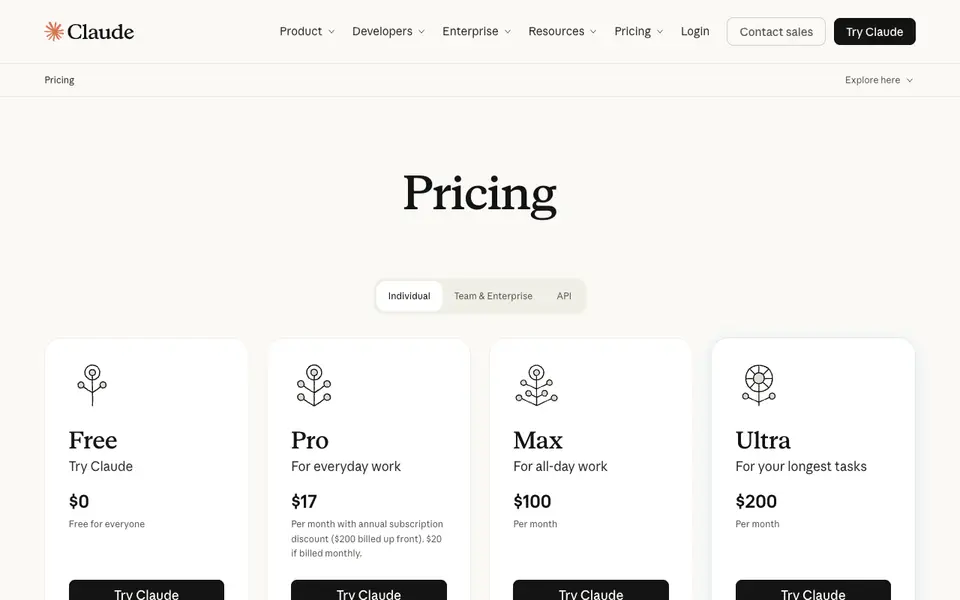
- Get a paid Claude plan Claude Code needs Pro or higher. Go to claude.com/pricing and choose Pro. The Free plan does not include it.
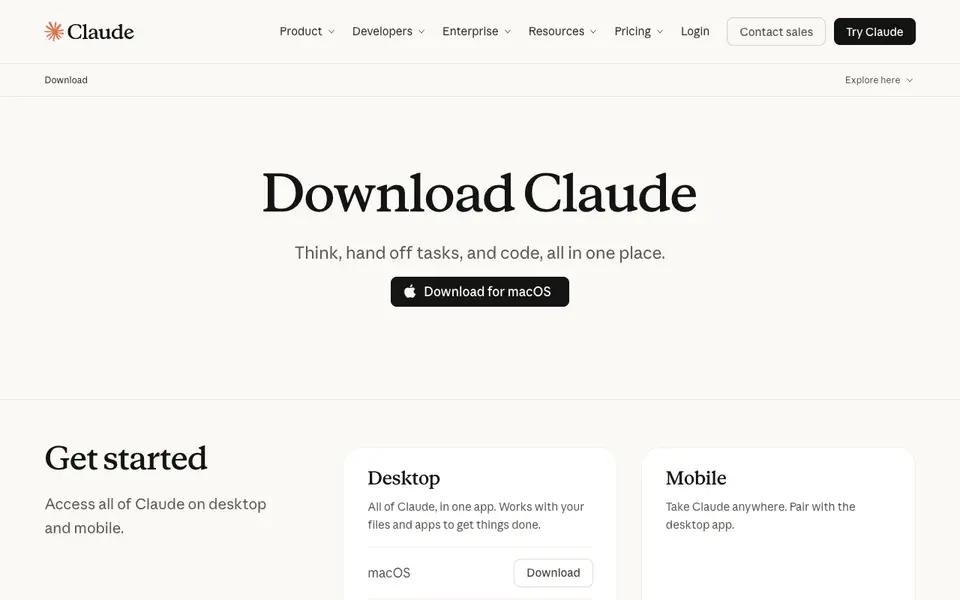
- Download the Claude desktop app Go to claude.com/download, pick macOS or Windows, install it like any app (on a Mac, drag it into Applications) and sign in.
- Open the Code tab Click Code at the top. Under the message box, set where Claude works to This computer and choose a folder for the project.
- Prefer the terminal? Mac/Linux:
curl -fsSL https://claude.ai/install.sh | bash· Windows PowerShell:irm https://claude.ai/install.ps1 | iex· then typeclaudeand sign in.
2Motion Primitives2 steps
Why you need it: Motion Primitives gives you ready animated components to drop into your site.
Get it: motion-primitives.com
- Have a React + Tailwind project Ask Claude Code to set one up if you do not have one.
- Add a component Run
npx shadcn@latest add "https://motion-primitives.com/c/<name>.json"for the component you want.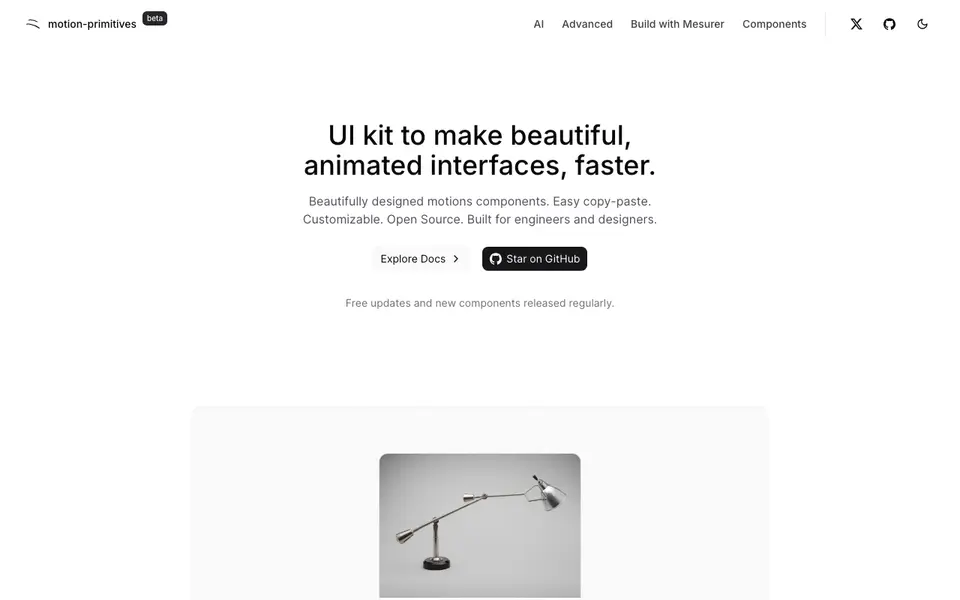
Website: https://motion-primitives.com/docs/spotlight
Read this brief fully before starting.
SETUP — do this first
All animation must come from Motion Primitives (motion-primitives.com). The motion package is already installed.
1
Go to https://motion-primitives.com/docs — this is the main docs page. It lists every available component: Accordion, Animated Background, Animated Group, Border Trail, Carousel, Cursor, Dialog, Disclosure, In View, Infinite Slider, Transition Panel, Text Effect, Text Loop, Text Morph, Text Roll, Text Scramble, Text Shimmer, Text Shimmer Wave, Animated Number, Sliding Number, Dock, Glow Effect, Image Comparison, Scroll Progress, Spotlight, Spinning Text, Tilt, Toolbar Dynamic, Toolbar Expandable, Magnetic, Morphing Dialog, Morphing Popover, Progressive Blur. Each component page has a live code preview — read those pages to understand the exact props, usage, and import patterns before using any component.
2
Run
npx shadcn@latest init and accept defaults — Motion Primitives installs through the shadcn CLI3
Install these components. Pattern:
npx shadcn@latest add "https://motion-primitives.com/c/[name].json"- text-effect
- text-loop
- in-view
- tilt
- morphing-dialog
- infinite-slider
- magnetic
- glow-effect
- sliding-number
- spotlight
- animated-background
- border-trail
4
After installing, read every component file in
src/components/ui/ before using it. Cross-reference with the docs page at motion-primitives.com/docs/[component-name] to see the intended usage pattern and code examples. This library is newer than your training data — do not assume prop names, read the actual source and the docs.5
If you need an effect none of these cover, check the full list on the docs page first. If a matching component exists that I haven't installed, tell me the name and I'll install it. Do not hand-write your own Motion animations.
Style: energetic but smooth. Respect prefers-reduced-motion.