Build a Claude Usage Panel That Always Shows Your Limits in Claude Code
At a glance
Build a panel in Claude Code that always shows how much of your Claude session and weekly limit is left, when it resets, and when to slow down.
- Prompts
- 2 ready to paste
- Level
- Expert
- People built it
- 147
- Can you make money?
- ✓ Yes, steps inside
- Resume points
- ✓ 3 ready to copy
- Tool setup
- ✓ 2 tools, step by step
- FAQs
- ✓ 6 answered
Full video guide

Tool setup
2 tools to set up before you start. Open each one, follow the steps, then come back to the guide.
1Claude Code4 steps
Why you need it: Claude Code is the part of Claude that can create files and run programs on your computer, so it builds the project for you instead of only describing it.
Get it: claude.com/download
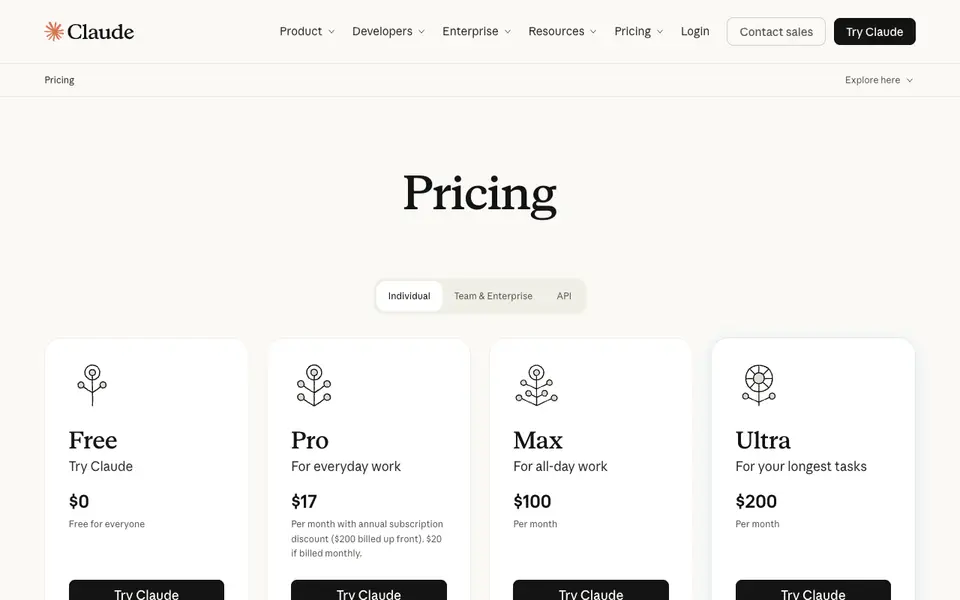
- Get a paid Claude plan Claude Code needs Pro or higher. Go to claude.com/pricing and choose Pro. The Free plan does not include it.
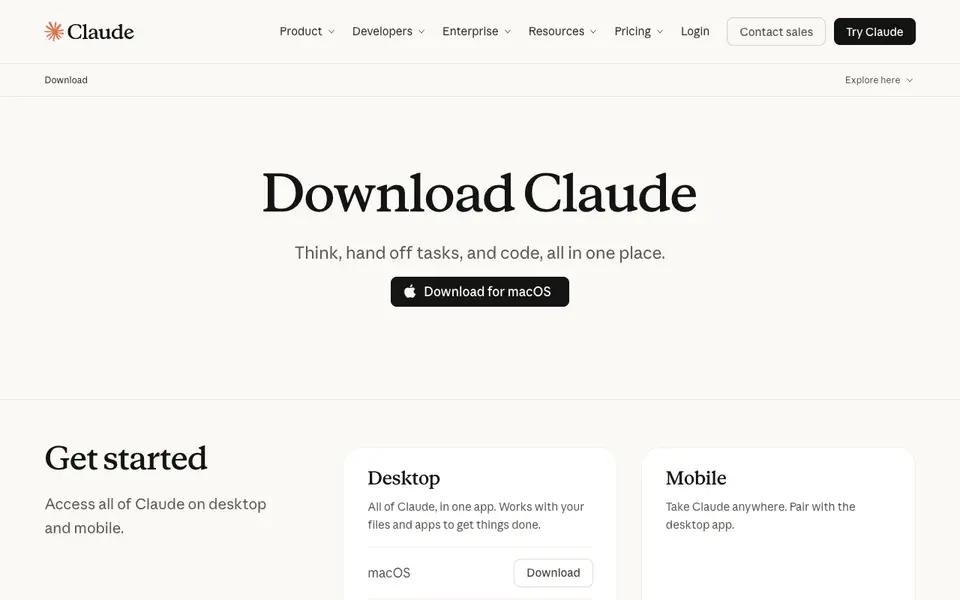
- Download the Claude desktop app Go to claude.com/download, pick macOS or Windows, install it like any app (on a Mac, drag it into Applications) and sign in.
- Open the Code tab Click Code at the top. Under the message box, set where Claude works to This computer and choose a folder for the project.
- Prefer the terminal? Mac/Linux:
curl -fsSL https://claude.ai/install.sh | bash· Windows PowerShell:irm https://claude.ai/install.ps1 | iex· then typeclaudeand sign in.
2usage-left
Why you need it: The panel shows how much of your Claude limit is left, so you never get cut off mid-task.
1 of 2 tools are locked. Unlock the project to see every setup step.
Full guide
Opening the guide…
Resume pointers for your CV
Built a panel inside Claude Code that always shows how much of my session and weekly limit is left.
Make money with it
3 ways to earn from what you build, with the prices to start at.
- 1Plan your Claude time
See before a big task whether your session has room, or wait for the refill time the panel shows.
- 2Stop wasting what is left
- 3Decide on an upgrade with facts
FAQ
From the rate-limit figures Claude Code already receives from Anthropic with every reply: your 5-hour session and your weekly limit, each with the % used and the reset time. They are the same numbers Settings → Usage shows. The panel reads no passwords and makes no internet requests.