Build a Downloads Folder Organizer That Runs in Your Browser
At a glance
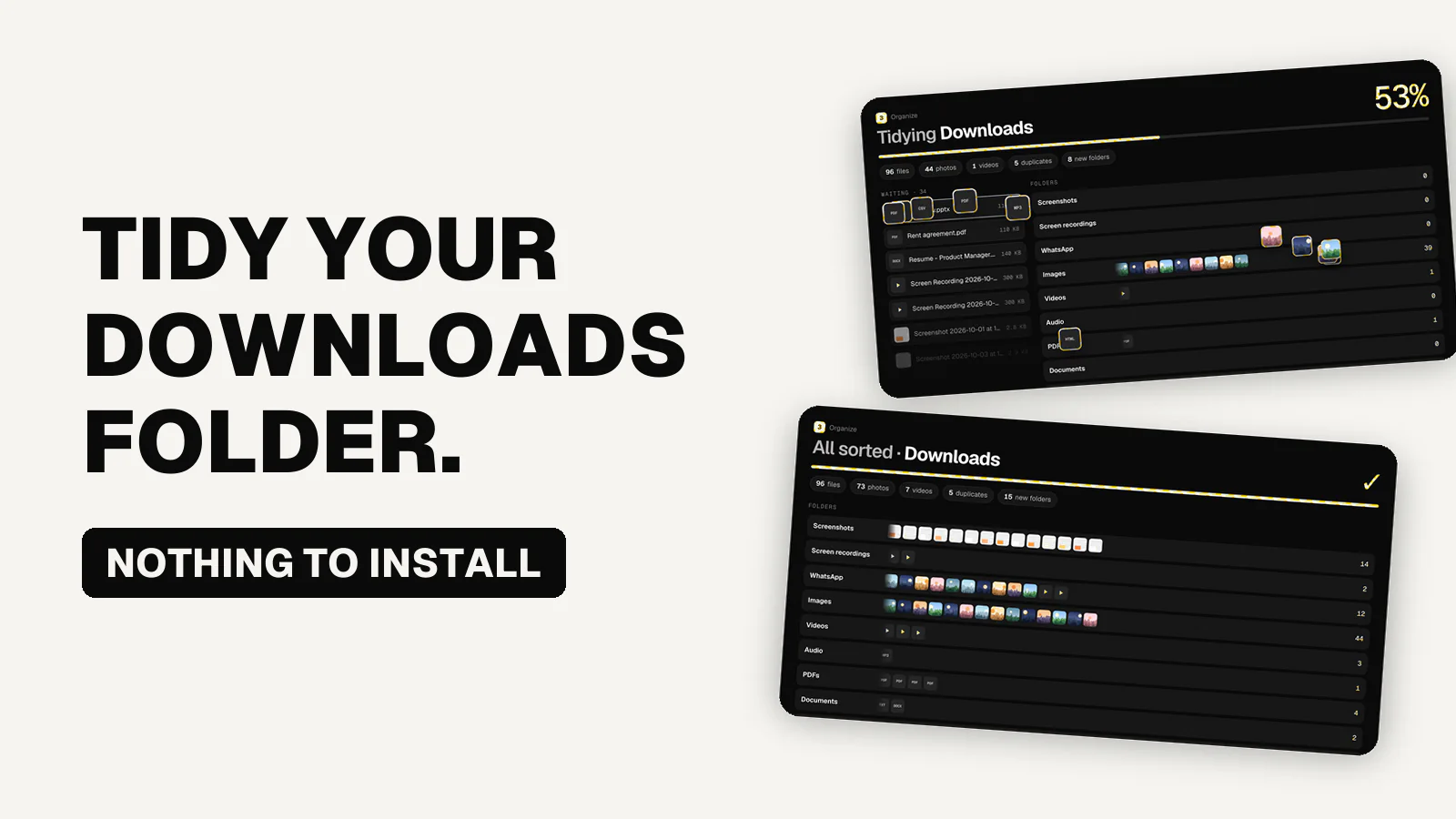
One prompt in Claude makes a web page that sorts your messy Downloads into Images, PDFs, Screenshots and Duplicates. Mac and Windows, nothing to install.
- Category
- App
- Prompts
- 1 ready to paste
- Level
- Intermediate
- People built it
- 341
- Can you make money?
- ✓ Yes, steps inside
- Resume points
- ✓ 3 ready to copy
- Tool setup
- ✓ 3 tools, step by step
- FAQs
- ✓ 6 answered
Full video guide
Tool setup
3 tools to set up before you start. Open each one, follow the steps, then come back to the guide.
1Claude3 steps
Why you need it: Claude is the AI you chat with: it writes, plans and answers using the prompts in this project.
Get it: claude.ai
- Go to claude.ai Open it in your browser, or download the Claude app from claude.com/download.
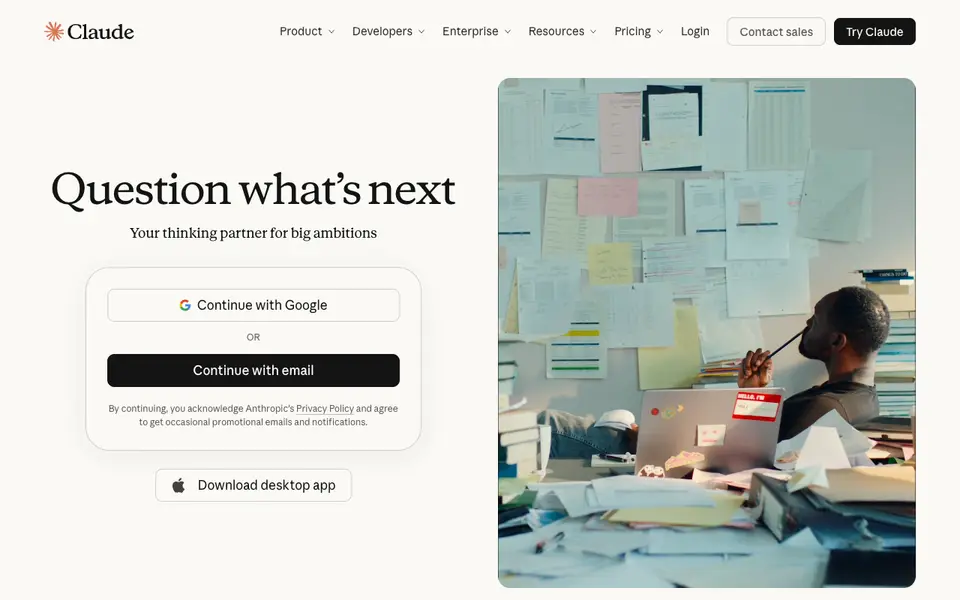
- Sign up Continue with Google or your email and verify the code Claude sends.
- Pick a plan The free plan works for trying it. Pro gives you much more usage.
2Google Chrome or Microsoft Edge
Why you need it: The project runs in Chrome or Edge (and video rendering uses Chrome in the background).
Get it: www.google.com/chrome
3Netlify Drop
Why you need it: Netlify Drop gives you a free live link just by dragging your folder onto a page.
Get it: app.netlify.com/drop
2 of 3 tools are locked. Unlock the project to see every setup step.
Full guide
Opening the guide…
Resume pointers for your CV
Built a browser-based Downloads folder organizer with Claude that sorts files into Images, PDFs, Screenshots and Duplicates.
Make money with it
3 ways to earn from what you build, with the prices to start at.
- 1Share it as a free tool
Put it online with Netlify Drop and share the link. A useful free tool brings visitors to your portfolio or newsletter.
- 2Tidy folders for small offices
- 3Show it in your portfolio
FAQ
Yes. The same HTML file works in Google Chrome and Microsoft Edge on macOS and Windows. It doesn’t work in Safari or Firefox, or on phones, because those browsers can’t change files in a folder you pick.