Make Money With a Faceless DIY YouTube Channel
At a glance
Build a faceless DIY YouTube channel with AI, generate repeatable content ideas, create videos faster and learn practical ways to grow and monetize the channel.
- Category
- Make money with AI
- Prompts
- 74 ready to paste
- Level
- Beginner
- People built it
- 526
- Can you make money?
- ✓ Yes, steps inside
- Resume points
- ✓ 3 ready to copy
- Tool setup
- ✓ 5 tools, step by step
- FAQs
- ✓ 4 answered
Full video guide

Tool setup
5 tools to set up before you start. Open each one, follow the steps, then come back to the guide.
1Google FlowFree: 50 credits a day4 steps
Why you need it: Google Flow turns your images and prompts into video clips. It is free to start with daily credits.
Get it: labs.google/flow
- Sign in to Google Flow Use your Google account. Free users get 50 credits a day, enough for 2–3 clips of about 10 seconds each.
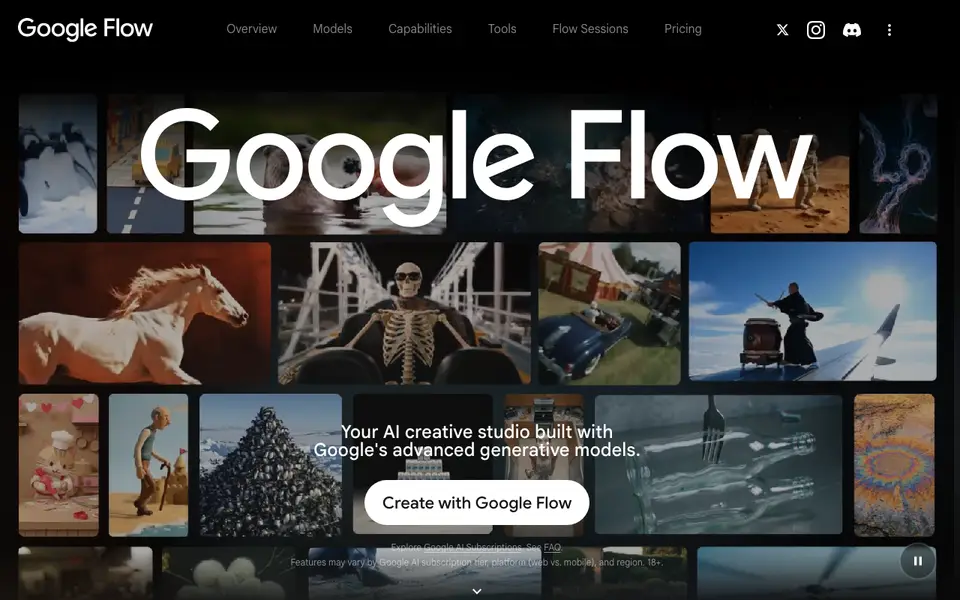
- Start a project and select the Omni model Choose Omni as the video model before you generate anything.
- Paste one scene prompt and generate Use the ready-made prompts in this project, one scene per clip, then download the clips.
- For long-form, get a script first Paste an idea into Claude or ChatGPT with the long-form script prompt to get a 5 or 10-minute script. Long-form needs a paid Google Flow subscription.
2KlingPaid
Why you need it: Kling turns a still image or your own video into an AI video clip (it also does Motion Control).
Get it: klingai.com
3HiggsfieldPaid
Why you need it: Higgsfield makes cinematic AI video and AI characters; an alternative to Google Flow.
Get it: higgsfield.ai
4Claude or ChatGPTFree
Why you need it: Claude is the AI you chat with: it writes, plans and answers using the prompts in this project.
Get it: claude.ai
5YouTube StudioFree
Why you need it: YouTube Studio is where you upload, add the AI-content label and read your numbers.
Get it: studio.youtube.com
4 of 5 tools are locked. Unlock the project to see every setup step.
Full guide
Opening the guide…
Resume pointers for your CV
Launched a faceless DIY YouTube channel, producing AI-generated videos with Google Flow (Omni model), with Kling and Higgsfield as paid alternatives.
Make money with it
6 ways to earn from what you build, with the prices to start at.
- 1YouTube ad revenue
Once in the YouTube Partner Program: 1,000 subscribers plus 4,000 watch hours in 12 months, or 10 million Shorts views in 90 days. Earnings depend heavily on viewer country; there is no fixed rate per view.
- 2Other YouTube income
- 3Affiliate links for craft supplies
- 4Sponsored videos
- 5Make-it-yourself kits
- 6Digital products
FAQ
No. DIY transformation videos work without a face, and the guide explains why sound design and short text overlays can replace a voiceover.